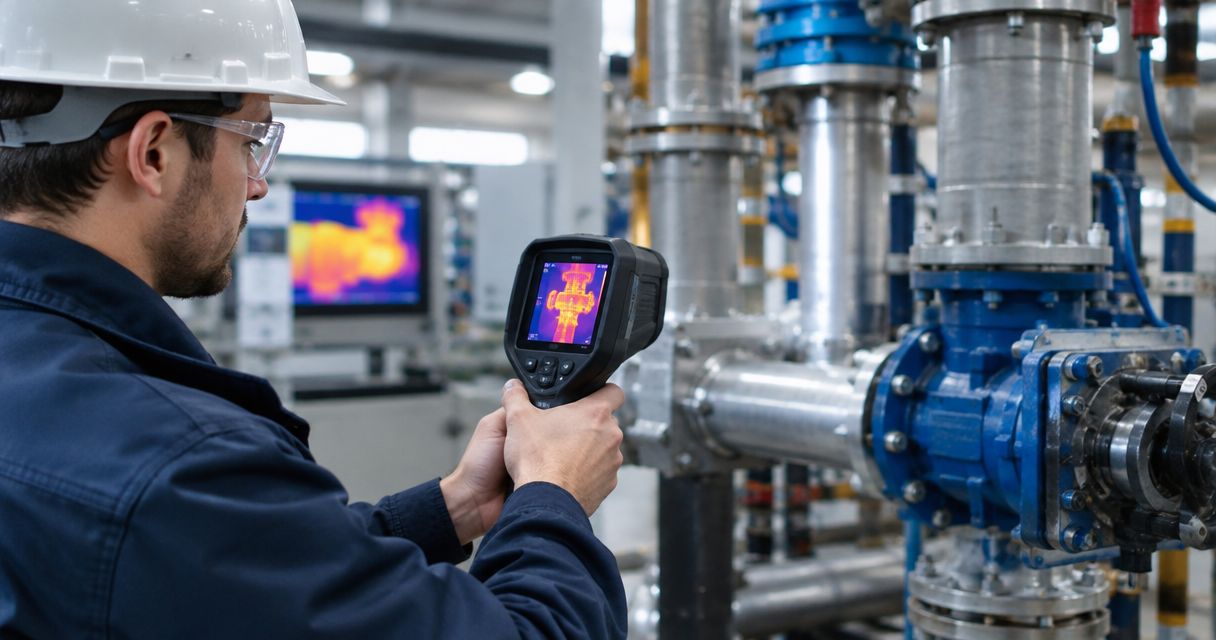
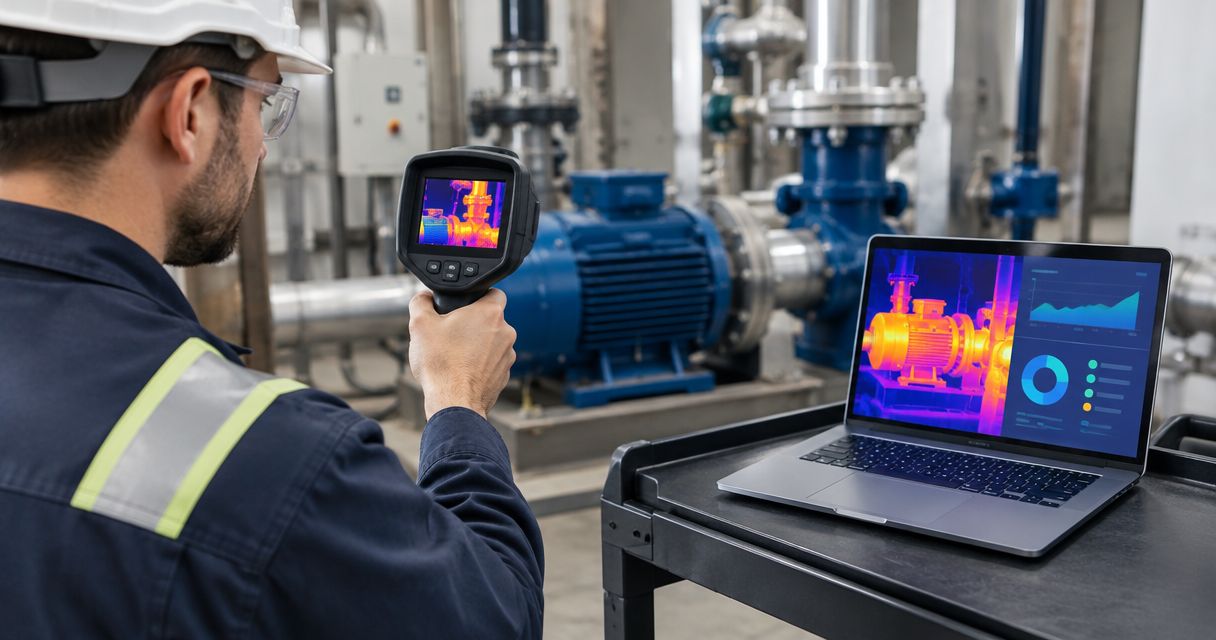
Instead of manually copying thermal inspection findings into maintenance records, connect camera exports to CMMS assets and create work orders from reviewed exceptions. Thermal imaging camera CMMS integration starts with reliable asset identification, supported file transfers and an approval gate—not an assumed direct camera connection.
- Thermal imaging camera CMMS integration needs asset IDs, inspection evidence and reviewed work-order creation.
- Yantratech Solutions supplies thermal imaging equipment for industrial buyers; confirm integration requirements before requesting a quote.
- Start with a file-assisted workflow; automate only after asset matching and duplicate prevention pass acceptance testing.
- Preserve original thermal files alongside readable reports for maintenance review and later temperature analysis.
Why this matters
A thermal image attached to the wrong motor or electrical panel creates a maintenance record for the wrong asset. A screenshot without inspection context leaves the maintenance engineer unable to judge whether the finding needs investigation.
Your 2026 integration specification should therefore define the evidence and asset relationship before it defines the transfer method. Yantratech Solutions is a thermal imaging equipment supplier for industrial buyers sourcing cameras against documented maintenance requirements. Discuss equipment selection with Yantratech Solutions after your maintenance and IT teams agree on that specification.
The supplier provides pan-India delivery and expert technical support. Camera procurement and CMMS configuration remain separate decisions: equipment selection does not establish that a particular software connector exists.
Before you start
- Secure the right access and materials. Have a camera export sample, access to its supporting software where required, a CMMS test environment, attachment permissions and an asset-register extract. For automation, arrange approved integration credentials and access to the relevant interface documentation.
- Nominate the review owner. Assign a maintenance engineer to approve findings and an IT owner to approve the transfer route. Electrical inspections must follow your site's safety procedures and use appropriately qualified personnel; this guide does not instruct you to expose energised equipment.
- Check the file-format gotcha. A readable image or report is not necessarily a radiometric file containing temperature data. Confirm what the camera exports, what the CMMS accepts and where the original thermal evidence will remain accessible before configuring attachments.
Do not use production assets for your first transfer test. A test record lets you inspect permissions, field mappings and work-order behaviour without introducing an unreviewed maintenance instruction.
Asset identity and inspection mapping
The first configuration unit is the relationship between a physical asset, an inspection and the evidence collected. Establish that relationship before configuring any trigger.
Configure the asset mapping
- Export the CMMS asset register through its supported export function. Retain the unique asset identifier, equipment name, location and parent asset where applicable.
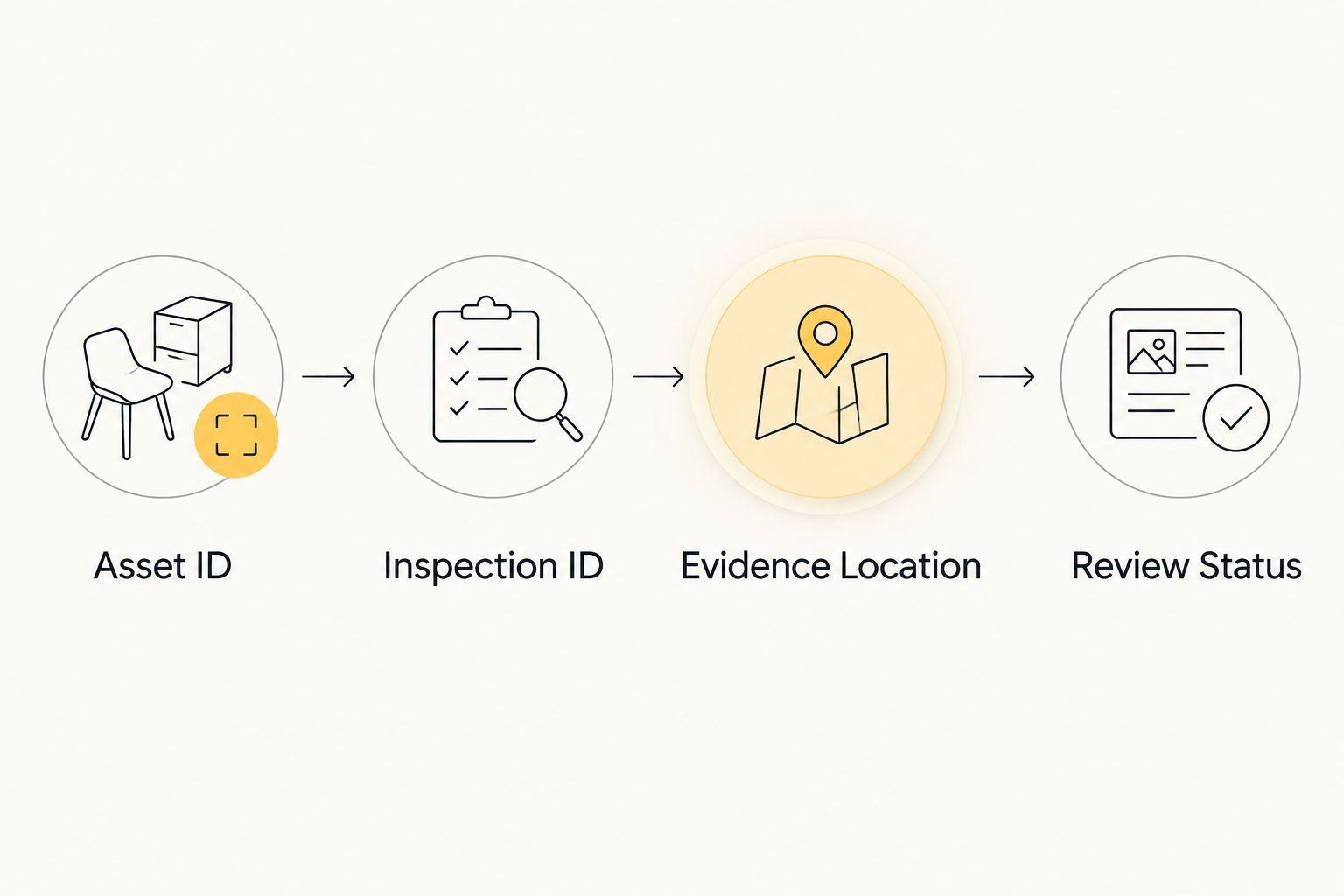
- Create an inspection mapping worksheet with columns labelled Asset ID, Inspection ID, Inspection Time, Finding, Evidence Location and Review Status. These are worksheet labels, not assumed CMMS interface labels.
- Match each inspection location to the unique CMMS asset identifier. Do not substitute a photograph filename, panel nickname or room name for that identifier.
- Define how components relate to their parent asset. A finding on a terminal inside a panel needs a precise component description even when the CMMS maintains only the panel as an asset.
- Reject records with missing or ambiguous asset matches. Send them to a correction queue rather than creating work orders against a guessed asset.
Expected result: every accepted inspection points to one identifiable CMMS asset, with enough location detail for a technician to find the inspected component.
For your 2026 mapping worksheet, keep the inspection identifier separate from the asset identifier. The asset remains the same across inspections; the inspection identifier distinguishes separate visits and their evidence.
Evidence transfer and storage
Choose the transfer route that your actual equipment and CMMS support. A file-assisted workflow is a valid integration when it preserves traceability; automation is not a prerequisite.
| Workflow | Best for | Advantage | Limitation | Selection requirement |
|---|---|---|---|---|
| File-assisted transfer | Maintenance teams establishing a controlled inspection process | Allows review before evidence enters the maintenance record | Requires an operator to upload files and enter findings | Compatible exports and CMMS attachment access |
| Interface-based automation | Teams with documented interfaces and an IT integration owner | Transfers approved records without repeated manual entry | Requires authentication, error handling and duplicate controls | Verified access to supported software interfaces |
Use file-assisted transfer until the evidence package and asset mapping are stable. Select interface-based automation when the supported interfaces and operational ownership are documented, not simply because the camera has wireless connectivity.
Configure the evidence package
- Export the original thermal file using the camera's supported procedure. Also produce a readable report or image for people who cannot open the original format.
- Record the inspection conditions needed to interpret the finding: operating state, load information where measured, emissivity settings, relevant environmental conditions and the component inspected. Keep measurements distinct from operator observations.
- Set up the approved evidence destination. Use CMMS attachments if supported, or an approved document repository with access controlled for the maintenance team.
- Attach or reference the evidence against the mapped inspection record. Confirm that an ordinary maintenance user—not just the administrator—can open it.
- Define retention and access ownership. If the record contains a repository reference, ensure that moving the file will not silently break the maintenance record.
Expected result: the reviewer can open readable evidence, locate the original thermal file and identify the operating conditions without requesting another email.
For a 2026 acceptance test, use 1 test asset, 1 inspection and 2 evidence files: the original thermal file and its readable companion. These are test-scope recommendations, not camera capacity requirements.
Procurement teams should request a sample export before approving equipment. Panel builders and contractors should confirm handover requirements; plant engineers should confirm that the evidence supports later review. Use the thermal imaging camera procurement guide to frame the equipment enquiry around the inspection application.
Approval rules and work-order creation
A temperature finding is evidence for assessment, not an automatic diagnosis. Absolute temperature alone does not explain load, surface characteristics or the condition of comparable components.
Configure the review gate
- Document the site's approved criteria for flagging findings. Include the application, comparison basis, operating conditions and escalation route; do not apply one universal temperature threshold to every asset.
- Map the inspection summary into the CMMS fields intended for findings or observations. Match those fields using the actual configuration documentation for your installation.
- Require an authorised reviewer to classify the finding and decide whether it needs a work order, further measurement or a retained inspection record only.
- Populate the work order with the asset identifier, component description, finding, evidence reference and requested action. Assign priority according to the site's maintenance rules.
- Test rejection as well as approval. An incomplete or inconclusive finding should return for correction without creating a repair instruction.
Expected result: approved findings create actionable maintenance records, while incomplete evidence remains outside the work-order queue.
Configure duplicate prevention and acceptance
- Define a unique processing key that combines the inspection identifier with the finding identifier. Use the supported external-reference or integration mechanism in your CMMS where available.
- Make the transfer check for an existing record before creating another. If the interface cannot support this check, place duplicate review in the controlled upload process.
- Submit the same approved test finding twice. The expected outcome is 1 work order, not an additional work order for the repeated submission.
- Test an invalid asset identifier and an inaccessible attachment. Both should produce a visible exception for correction, not a successful transfer with unusable evidence.
- Record the outcome, responsible owner and approved configuration in your 2026 commissioning record before enabling the production workflow.
Expected result: repeated submissions do not duplicate maintenance work, and failed transfers remain visible to an accountable owner.
Keep integration credentials out of inspection filenames, reports and mapping worksheets. Grant only the permissions needed for the agreed workflow, and follow the organisation's credential-management policy.
Add inspection updates to existing work orders
The adjacent workflow is follow-up evidence after maintenance. Instead of creating another repair order for every inspection, update the existing record when the new inspection relates to the same documented finding.
- Capture a new inspection identifier and inspection time. Preserve the earlier evidence rather than overwriting it.
- Reference the existing work order and the original finding. Confirm both the asset match and the component match before adding evidence.
- Record the post-maintenance operating conditions. A follow-up image taken under different conditions needs that distinction stated in the record.
- Submit the follow-up for technical review. Let the reviewer decide whether the work order can close or whether further investigation is required.
Expected result: the maintenance record retains the original finding, corrective action and reviewed follow-up evidence as a traceable history.
For 2026 reporting, distinguish a transferred inspection from an approved work order and a closed work order. Those events describe different stages; treating them as interchangeable hides unfinished maintenance.
Troubleshooting
The evidence attaches to the wrong asset
Fix the identifier mapping before repeating the transfer. Check leading zeros, whitespace and text-versus-number handling in exports. Match the stored CMMS identifier exactly, and correct the existing attachment or record through the site's controlled process.
The image opens, but temperature analysis is unavailable
Retrieve the original thermal file and use its supported analysis software. A readable export provides viewing access but does not establish that radiometric data remains available. Keep both file types associated with the inspection.
The same finding creates duplicate work orders
Check the processing key and retry behaviour. A transfer can succeed even when the sending process does not receive confirmation. Before resending, query or review the destination record and reconcile the outcome.
Attachments upload but technicians cannot open them
Test access with the intended maintenance role. Check repository permissions, attachment restrictions and whether the reference depends on a personal session. Replace personal file references with an approved shared evidence location.
Automatic transfers stop after an access change
Check authentication and the interface's recorded error response. Follow the approved credential-renewal process, confirm required permissions and replay only unreconciled records. Do not bypass access controls to restore the workflow.
Customize your workflow
Extend the accepted workflow by asset class, not by copying one rule across the plant. Electrical panels need component-level descriptions; rotating equipment inspections need operating context; contractor handovers need evidence ownership defined.
Yantratech Solutions supplies thermal imaging solutions alongside testing and measuring instruments, switchgears, panel meters and calibration equipment. For a multi-category enquiry, separate the required inspection function from the required software behaviour so procurement can evaluate each clearly.
Send the camera application, inspection targets, expected export formats, evidence-retention requirement and CMMS name with your request. Ask for confirmation of the proposed camera's export capabilities; do not treat expert technical support as proof of a specific integration connector.
Request a thermal imaging quote
Share your inspection application, export requirements and CMMS evidence workflow.
FAQ
How do I connect a thermal imaging camera to CMMS software?
Map camera inspection exports to CMMS asset identifiers, transfer readable and original evidence, and create work orders after technical review. Use manual attachments or a documented software interface supported by your actual equipment and CMMS.
Does a thermal imaging camera need a direct CMMS connector?
No, a controlled file-assisted workflow can link thermal inspections to maintenance records. A direct connector is useful only when its supported behaviour meets your asset-mapping, evidence and review requirements.
Can I automate work orders from thermal camera findings?
You can automate approved findings when the software interfaces support the required record creation and controls. Keep technical approval, duplicate prevention and visible transfer failures in the workflow.
What files should I attach to a thermal inspection record?
Retain the original thermal file and provide a readable report or image. Confirm whether the original contains radiometric data and whether the maintenance team has the software and permissions needed to use it.
Can a thermal inspection automatically close a maintenance work order?
A transferred follow-up inspection should not replace technical approval for work-order closure. Review the component identity, corrective action and inspection conditions before accepting the result.
What should I send Yantratech Solutions for a thermal imaging equipment quote?
Send Yantratech Solutions your inspection application, target equipment, required export formats and CMMS evidence requirements. The supplier provides pan-India delivery and expert technical support; confirm proposed equipment capabilities against your documented workflow.
One last thing
Repeat the same approved finding during acceptance testing. A workflow that transfers a record correctly but creates another work order on retry is not ready for production. Proving repeat-safe behaviour protects the maintenance queue more directly than demonstrating another successful image upload.